As The Cuddlefish Gang is busy creating our new website (www.CuddlefishGang.com), I thought I’d take a moment to share some tips and tricks on portfolio websites, sure to hook those big fish clients.
Domain Names
– Personalize it! While it’s tempting to use a free domain option (http://YourName.wixsite.com/mysite), that a sure sign of an amateur. Free web addresses are bulky, hard to remember, and look terrible on print marketing.
– Choose an easy-to-remember domain name. Your name is your brand, so use it! YourName.com or YourNameArt.com is going to be a lot easier to remember than something obscure, no matter how cute it is.
– Buy and forward your other names. If you’re like me, you go by both a nickname (Kaz) and your given name (Karen). I own all my names and I forward them to my website: WindnessBooks.com. Why WindnessBooks.com you ask? I lost KarenWindness.com for a couple years because I forgot to renew the domain and the domain thief wanted $400 for it! Don’t be like me. Set up an auto-renew!
Name Logo
On the subject of names, many illustrators use a hand-drawn version of their name for branding. This is great for personalizing websites and social media, too!



Hosting with the Mosting
I posted a survey to The Cuddlefish Gang, and here are our favorite portfolio website providers: Squarespace, WordPress, Wix, or build-it-yourself.
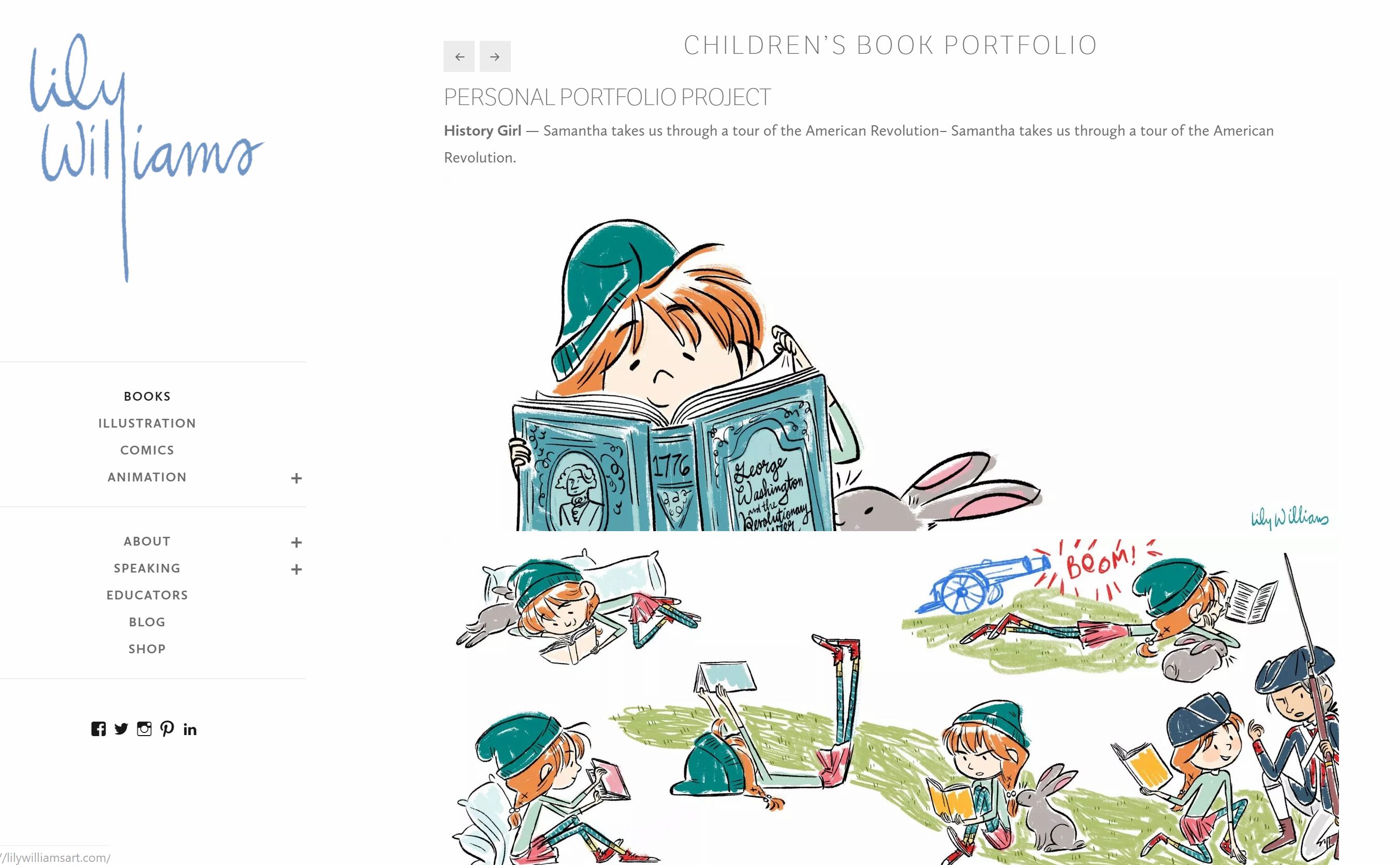
Lily K. Williams says: I use WordPress because it has video hosting, and that is basically it. However, in the last two years, they have really made it easier to use. I pay a lot for the business package though, so maybe that’s the only reason I think it’s worthwhile. If you don’t need video hosting (and can just upload a link from Youtube) and are more comfortable with a different hosting site, then go for it! I will say I do like the fact that I can have a blog, portfolio website, and store all in one place. But I think you can do that with most of them now. So chose what’s easiest and what you don’t have to learn!
David Deen‘s approach: I use a WYSIWYG program called Magix and then manually upload the files to my web host (Lunarpages). I used to write the HTML code in a text editor, and then later used a hand-written Perl script to make changes to all the pages at once, but as the web got more complicated, that became less and less feasible. So now I use the WYSIWYG editor. What can I say? I’m old school! (And I’m cheap, too!)

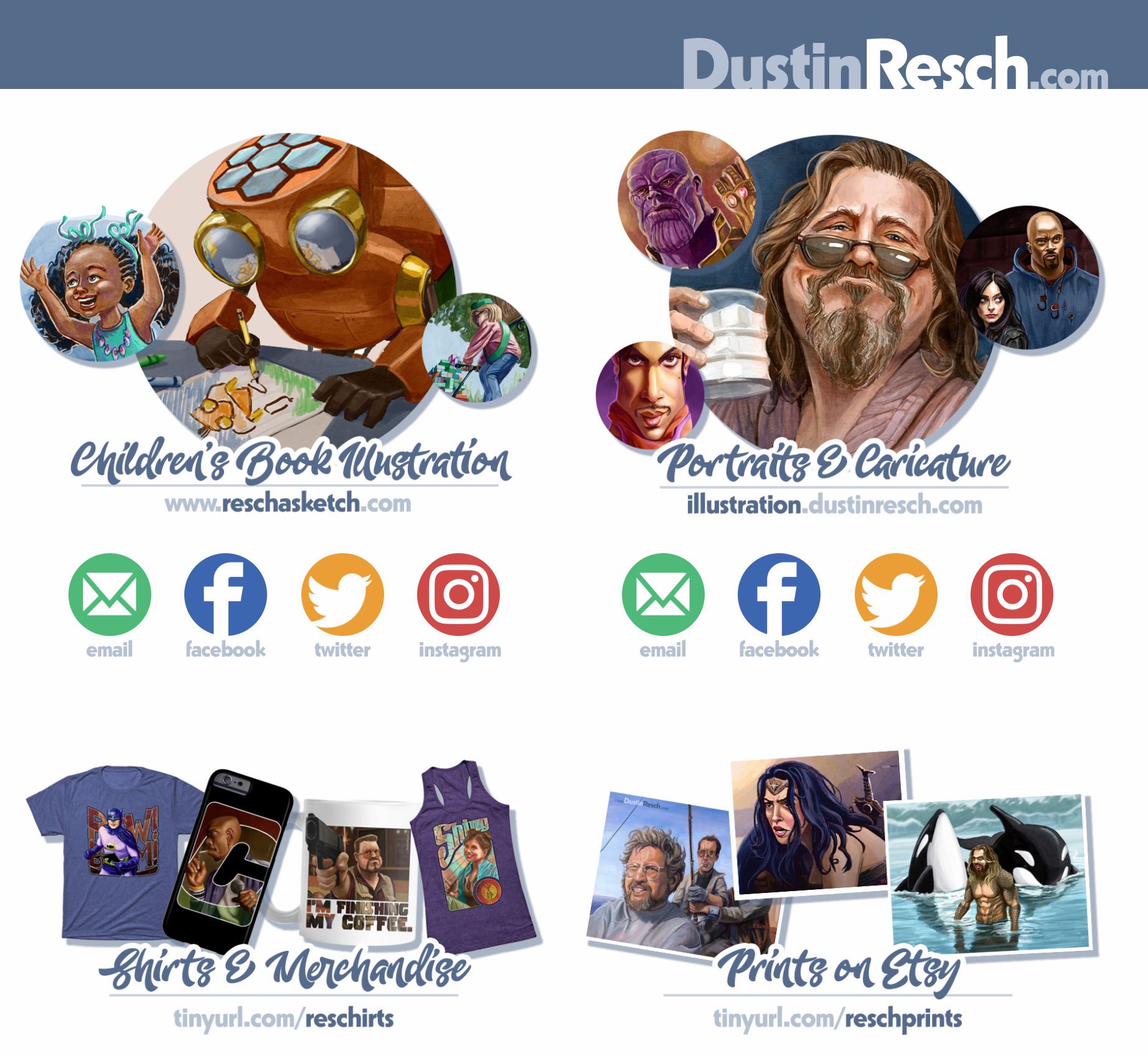
Dustin Resch adds: I recommend people use a builder these days (10 or 15 years ago I’d have punched myself in the mouth for saying that, those things are trying to put me out of a job) – I find Squarespace and others to be really easy to use. I’ll always do some extra template customization, part because I’m extra picky about websites, part just because I can, for me it’s like a cook reading a recipe and ad-libbing ingredients based on experience.
Templates
Chose a template with a clean portfolio-forward display option. Wix has a design option specifically for illustrators. Squarespace’s Wexley, Avenue, Wells, or Flatiron templates are all good choices. The main thing is to show potential clients (HELLO PUBLISHERS!) your art right away. No landing pages, no cropped click-through images, no messy backgrounds, just bold, fabulous in-your-face art! White backgrounds with clean and simple navigation for the win.
What should be on your website?
ART: But only your best work and only work that pertains to your targeted market. Quality over quantity. And if you enjoy painting simple baby board book stuff and highly rendered realistic chapter book illustrations, too, separate that work in different categories. We know you can do many things well, but if you mix it all together, it gives the impression that you are scattered and it’s hard for the client to zone in on exactly what they want to hire you for.
Unlike printed portfolios, your website can feature a lot of artwork. Just be sure you’re proud of everything in your portfolio and updating with new work regularly. And if you hate drawing something, don’t show samples of it! Murphy’s Law guarantees that your one tortured bicycle piece will land you a gig drawing lots and lots of bikes.
CONTACT INFO: Include a contact page that features your social media handles (live links are best) and at least one easy way to find you. I use my email address and I’ve spelled it out (karenwindness (AT) gmail.com) to avoid any potential bot fishing. I check this email account every day so I won’t miss an interested client. Also, I hate talking on the phone, so I don’t include my number on my web or other marketing materials. I wouldn’t answer if you called, so why would I advertise that number?
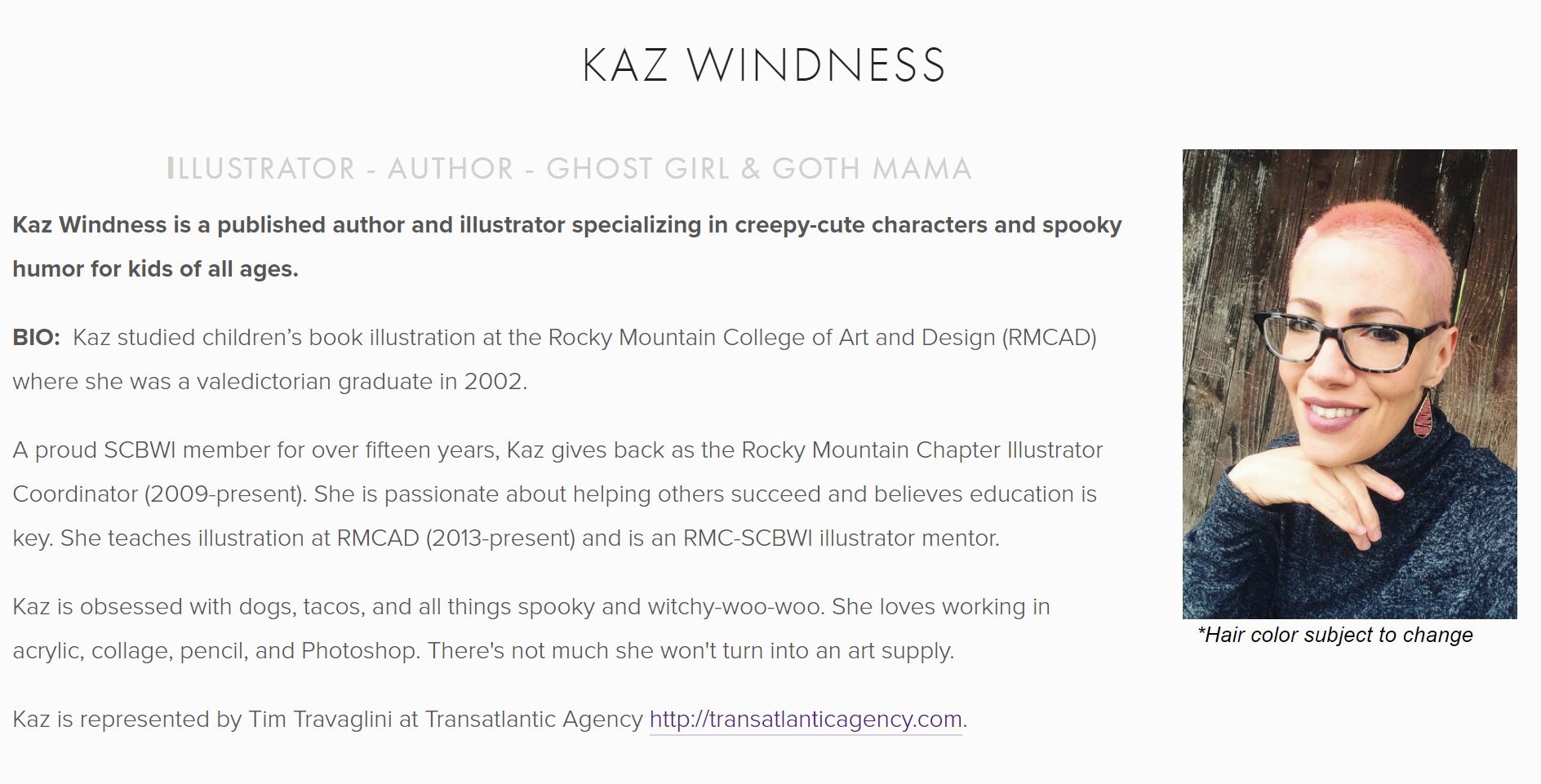
ABOUT YOU: Publishers are hiring a person and a personality just as much as they are hiring you for your talents. They want to work with illustrators they connect with. Include a photo of yourself and a short bio. Talk about your niche/focus and include some personal interesting tidbits, too.
Optional but good to have pages are: links to your blog, merchandise (print-on-demand store), published books for purchase, book projects, and events.
In conclusion, I hope you find these web tips helpful! If you’d like to add tips of your own or think I’ve forgotten something, please chime in and leave your comments below.
And be sure to follow The Cuddlefish Gang everywhere on the interwebs!
Post by Kaz Windness, founding member of The Cuddlefish Gang, RMCAD Illustration Instructor, and Illustrator Coordinator for the RMC-SCBWI.
 The Cuddlefish Gang: Together We Can Do AnyFIN!